Without TapReview
“Sure, I'll leave a review later.”
- Open Google
- Search your name
- Find your listing
- Scroll to reviews
- Tap “Write a review”
Five steps, after they've already left. Later often never comes, so many happy customers never get there.
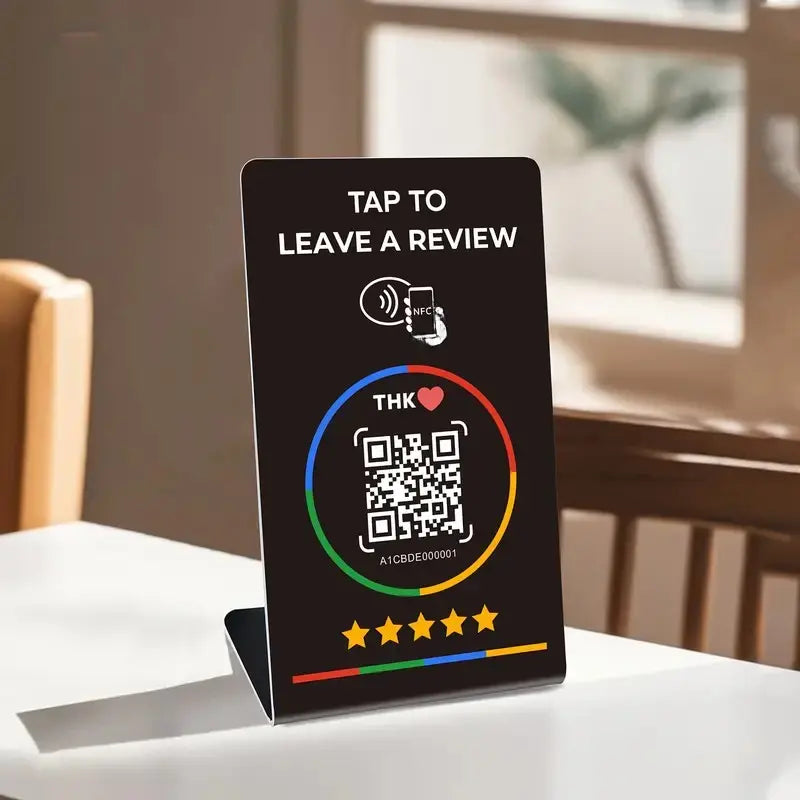


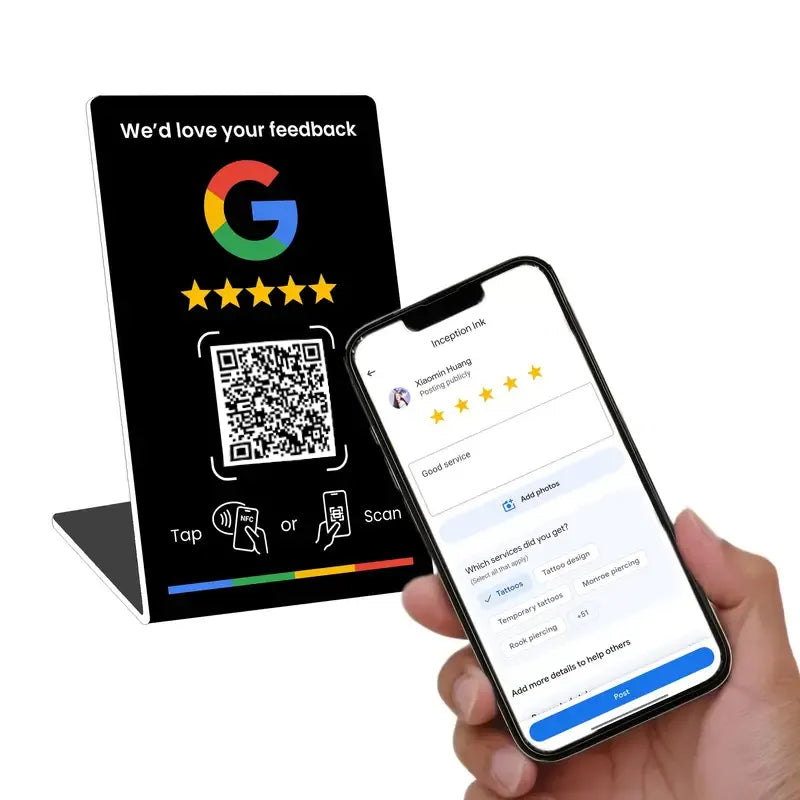
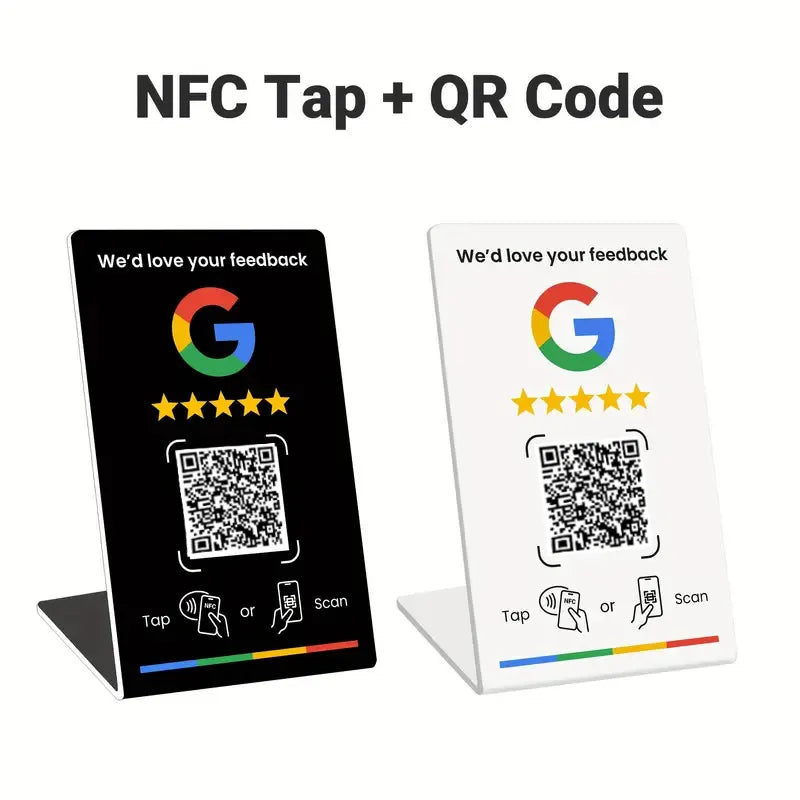
NFC Google Review Stand
Customers just tap their phone on the stand. Your Google review page opens. No app, no typing.
Three steps. The last two happen without you.
Put it where customers pay or wait: the register, front desk or a table.
They tap their phone on the stand, or scan its QR code with the camera. No app, no typing.
Your Google review form opens, ready for their stars and a few words.
Unlock the phone and hold the top edge of it against the stand. The NFC reader is at the top.
Unlock the phone, make sure NFC is on, and hold the middle of its back against the stand.
It's too many steps. TapReview removes them.
Without TapReview
Five steps, after they've already left. Later often never comes, so many happy customers never get there.
With TapReview
The review form is already open while the good experience is fresh. All they add is a rating and a sentence.
No incentives. No filtering. TapReview sends every customer to the same public review page. Ask everyone, not just your happiest regulars. Google's policies don't allow rewards for reviews or asking only happy customers.
Asking becomes one sentence: “Tap here to leave us a review.” The stand handles the rest.
Reviews are one of the signals Google uses for local results. Fresh reviews can help you show up in Maps.
A glossy finish in black or white. At home next to a register, a salon chair or a reception desk.
Spills wipe right off. The chip is built in. No batteries, no charging, no Wi-Fi.
iPhone XS and newer, and most Android phones. Phones without NFC can scan the printed QR code instead.
Moved, rebranded or switched listings? Change the QR link in your online account and rewrite the chip with a free app. No reprint.
Every option below works. One of them gets done before the customer walks out.
| Feature | TapReview | Asking in person | QR sticker |
|---|---|---|---|
| Effort for your customer | 1 tap | 5+ steps | Open camera, scan |
| Opens your review form directly | |||
| No typing or searching | |||
| Happens before they leave | Usually “later” | ||
| Works on phones without NFC | Built-in QR | Not applicable | |
| Change the link anytime | Not applicable | Reprint | |
| Looks premium at the counter | Not applicable | Sticker look |
If customers visit you in person, TapReview fits.
Also gyms, spas, vets, florists, hotels and retail stores.
Tip: Peel off the protective film before use. Don't place it directly on metal, which can block the signal. Wipe clean with a damp cloth.
Yes. iPhone XS and newer read it automatically. Your customer unlocks their phone and holds the top edge near the stand. iPhone 7 to X can use the NFC reader in Control Center. It works through most cases. Thick, metal or magnetic wallet cases can block it.
No. NFC is built into modern phones, the same tech used for contactless payments. One tap opens your review page in their browser or Google Maps. Nothing to download.
Once, in about 5 minutes:
Read the full setup guide, with every step and troubleshooting tips. Stuck? Email us and we'll walk you through it.
Yes, as often as you like. Change the QR code's link in your nfckin.com account, and rewrite the NFC chip with the same app you used to set it up.
Every stand has a QR code printed on it. Phones without NFC, or with NFC switched off, scan it with the camera and land on the same review page.
Yes. The stand opens whatever link you set. There are also TikTok, LINE, Instagram and Facebook designs, ready for your profile link. One link per stand.
Orders arrive within 10 days of ordering within the US. Shipping is free, and you'll get a tracking link by email when your order ships.
You're covered by our 30-day money-back guarantee. If TapReview isn't right for your business, contact us within 30 days of delivery for a full refund. Read the refund policy.
Wipe it with a damp cloth. Don't submerge it, put it in the dishwasher or use solvents.
Put it on your counter and see how your customers use it. If it doesn't earn its spot, contact us within 30 days of delivery for a full refund.
Read the refund policy
Set it up once, in a few minutes. Your customers do the rest.